An OpenRTB bid request leaves your page carrying your domain in the site field, but nothing in the protocol itself proves that the domain belongs to you. A bad actor can copy your URL into a request generated from a low-quality site, sell those impressions as yours at a discount, and pocket the difference. The IAB Tech Lab answered this problem with a stack of public files and in-request objects: ads.txt, app-ads.txt, sellers.json and the SupplyChain object. When every layer is correct, buyers can verify each seller in the chain and bid at full value. When any layer is broken, demand quietly drops and most publishers never learn the cause.
How counterfeit inventory enters the OpenRTB supply chain
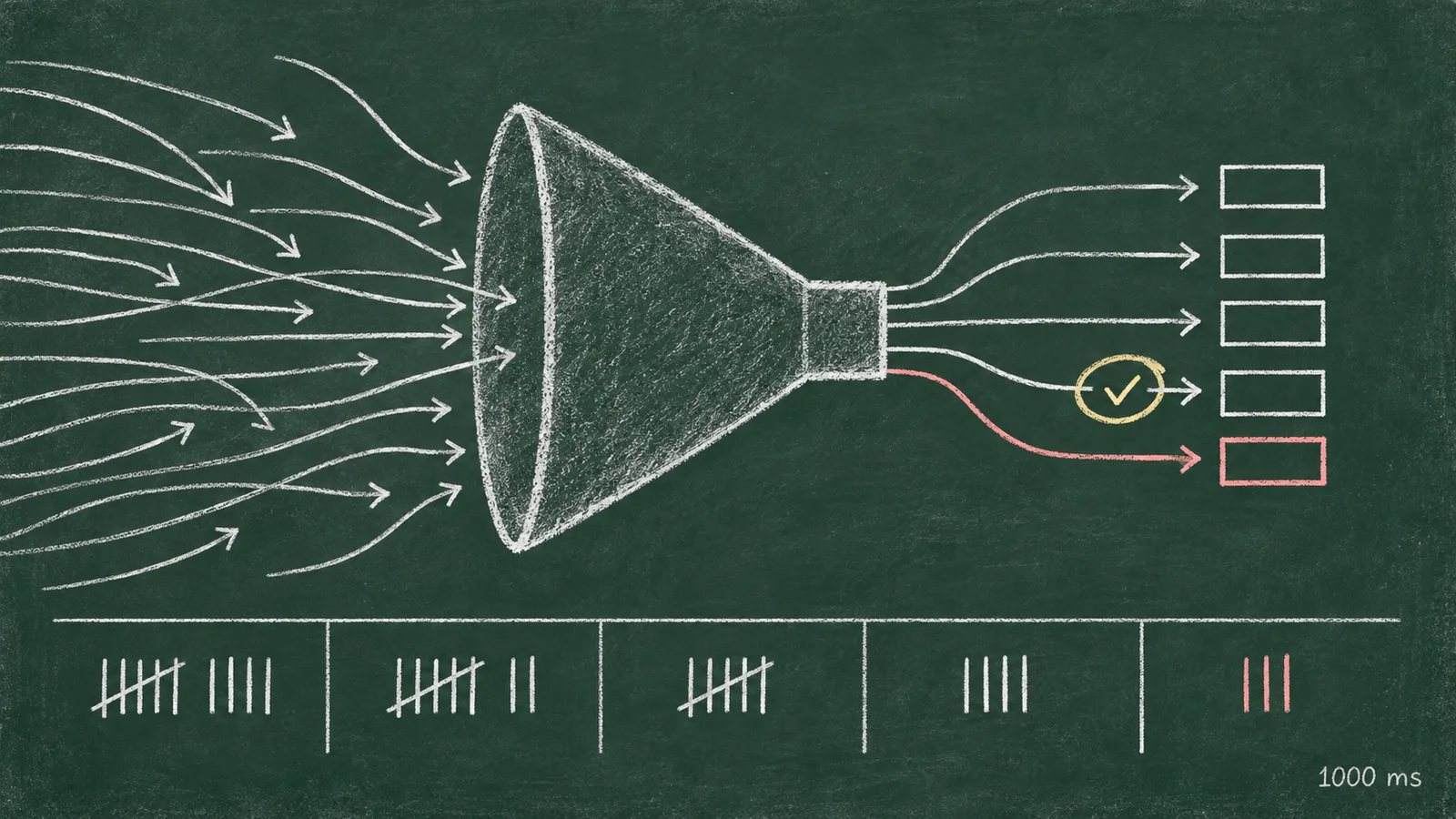
Domain spoofing works because the bid request is self-declared. A DSP receives a request with site set to your domain and a page URL, and the request itself carries no proof of origin. The buyer has two options: trust the fields, or discount them. Most buyers discount. They apply a risk premium to inventory whose provenance they cannot check, and many exclude high-value domains outright because those are the most profitable to counterfeit.
Arbitrage adds a second layer of damage. An intermediary buys cheap impressions, relabels them with a premium domain, and resells them at a markup. The advertiser pays premium prices for junk, and when the fraud surfaces, the domain in the request, your domain, takes the reputational hit. Demand partners then exclude you, even though you never sold a single one of those impressions.
The trust stack reverses this by giving buyers two independent records they can cross-check: a static file you publish, and a per-request object your sellers attach to every bid. If you want the full mechanics of how requests move between your page, header bidding and the exchange, read our OpenRTB guide. This article covers the verification layer that sits on top of that flow.
The four layers of the supply-chain trust stack
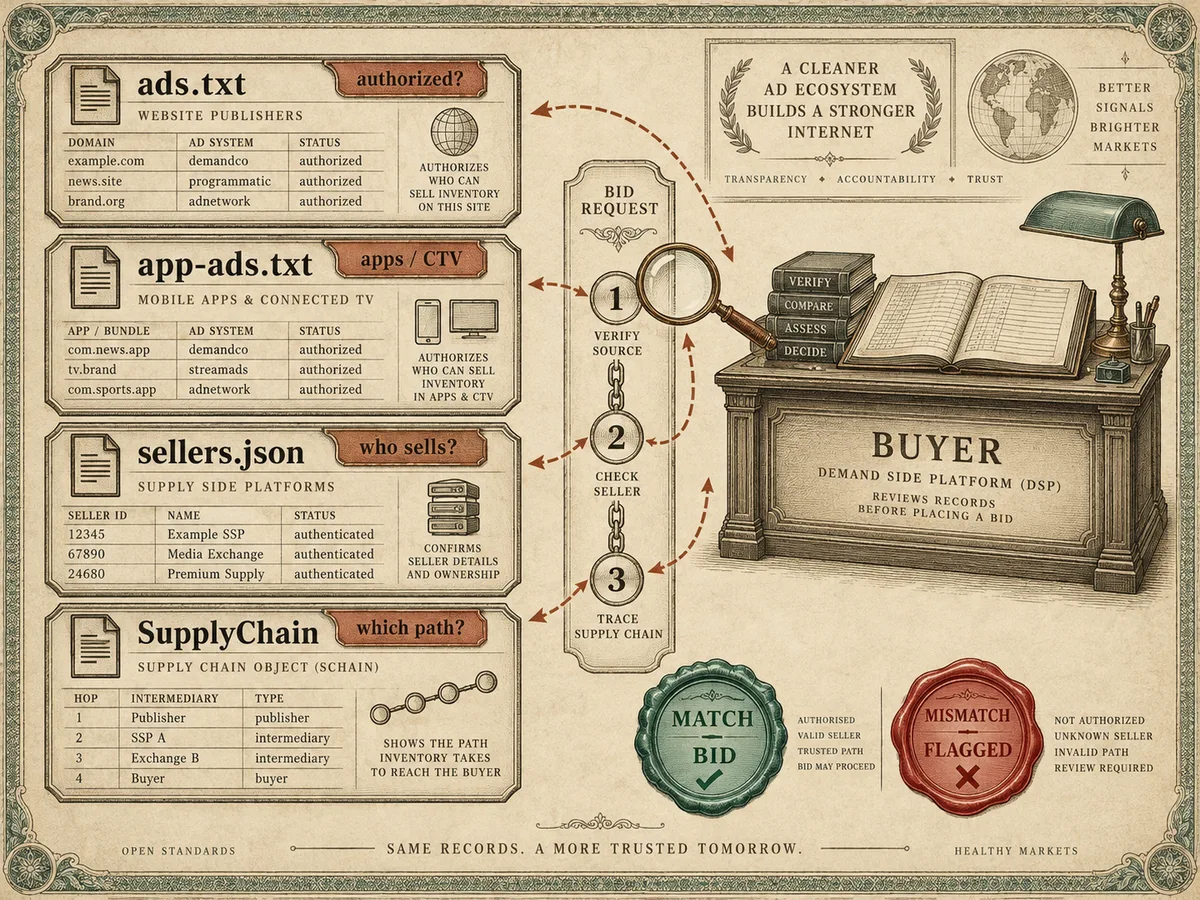
The stack contains two static files and two dynamic records, and each answers a different question.
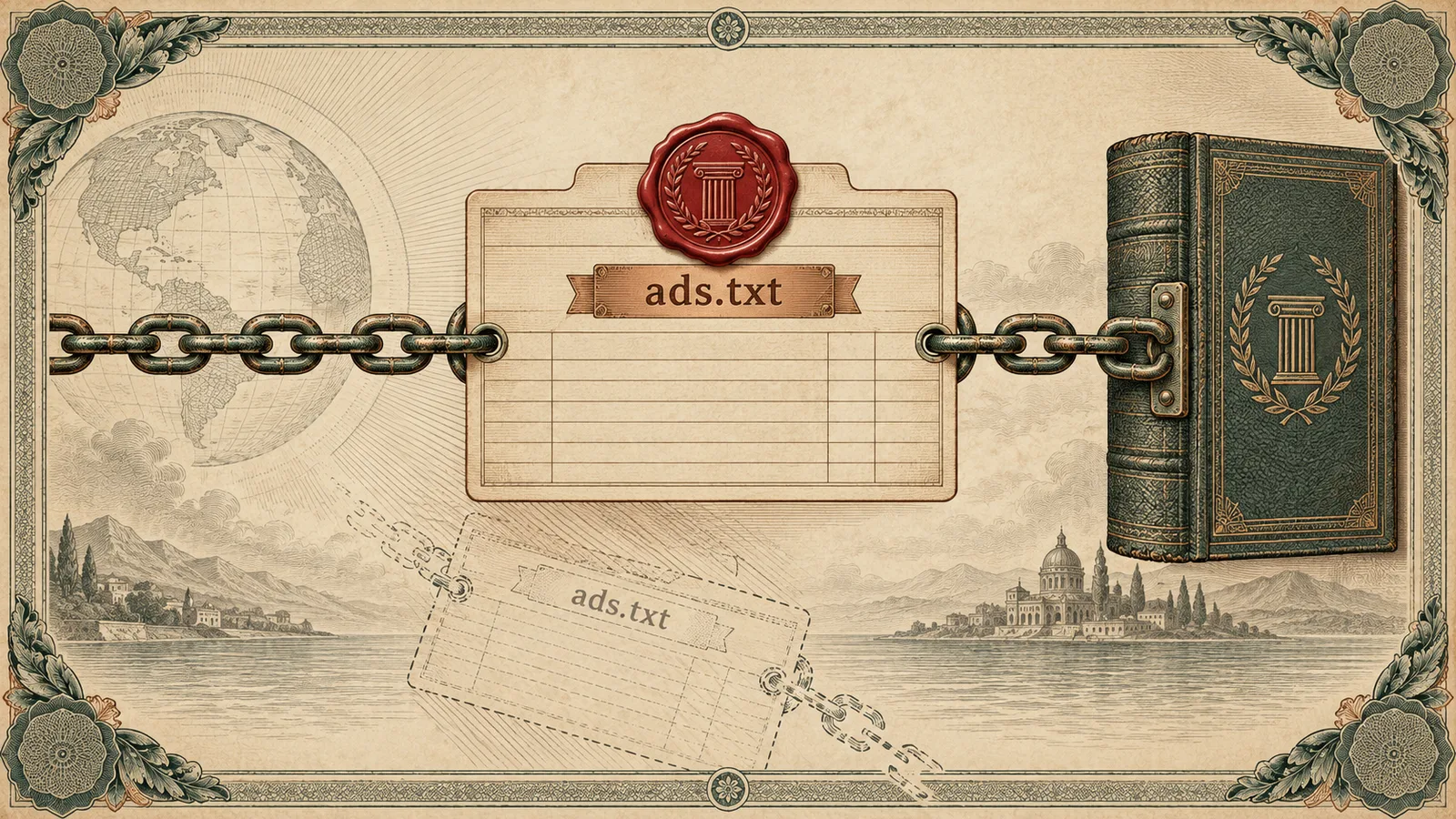
ads.txt answers: who is authorized to sell this domain's inventory? You publish it at the root of your domain, and buyer crawlers read it on a daily cycle.
app-ads.txt answers the same question for apps and CTV/OTT. It lives at the root of the developer website declared in your app store listing, not inside the app binary itself.
sellers.json answers: who are the actual sellers behind the IDs in the bid request? Each sell-side platform publishes its own sellers.json, listing every account it sells for and whether that account owns inventory or resells it.
The SupplyChain object answers: what path did this specific request take? It travels inside every OpenRTB bid request and declares each node, the seller domain and its seller ID, in the order the request passed through them.
The power comes from cross-referencing. A buyer reads your ads.txt, finds an authorized seller, pulls that seller's sellers.json to confirm the seller ID, and checks that the SupplyChain object in the live request matches both files. A mismatch at any point flags the request as suspicious. DSPs, agency trading desks and verification systems all run some version of this check before they commit budget, which means an error in your file has a direct, measurable cost in bid density.
ads.txt and app-ads.txt: the authorization record
The ads.txt specification defines a public record of authorized digital sellers, created specifically to fight counterfeit inventory. The file contains one line per relationship, in a fixed format:
exchange_domain, publisher_account_id, relationship_type, authority_id
For example: sspx.example.com, 12345, DIRECT, abc123id. The relationship type is either DIRECT, meaning you hold a direct contract with that account, or RESELLER, meaning that account sells on behalf of another authorized seller. The fourth field is optional and holds a certification ID that some buyers use in their verification scoring.
The Google ads.txt overview explains the core benefit from the buy side: the file protects against counterfeit inventory mislabeled as your domain, because Authorized Buyers cross-check the sellers in bid responses against your published list. If a seller declares your inventory but does not appear in your ads.txt, the buyer can discard that declaration, and Google Ad Manager flags it in diagnostics.
Enforcement works through the buyer. Google Ad Manager surfaces unauthorized seller warnings in its delivery and diagnostics reports when it detects inventory declared by accounts missing from your file. Those impressions often still serve through non-enforcing paths, but strict buyers drop them, and the seller loses the revenue. Over time, a broken file trains demand to route around you.
app-ads.txt follows the same format with one critical difference in placement: crawlers discover it through the developer website declared in your app store listing. For CTV apps, that developer site must host the file, and the file must stay consistent across every platform where the app ships. A missing developer site, or a site without the file, breaks verification for the entire app, including your CTV/OTT inventory.
sellers.json and the SupplyChain object: the path record
Your ads.txt authorizes sellers, but it says nothing about who those sellers represent. The sellers.json specification covers that gap: each sell-side platform publishes a JSON file listing every seller account it monetizes, with a seller ID, a name, a domain, and a type field marking each entry as DIRECT, meaning the account owns the inventory, or INTERMEDIARY, meaning the account resells on behalf of others. Buyers use the file for buyer-side verification of direct sellers and intermediaries before they commit budget to a chain.
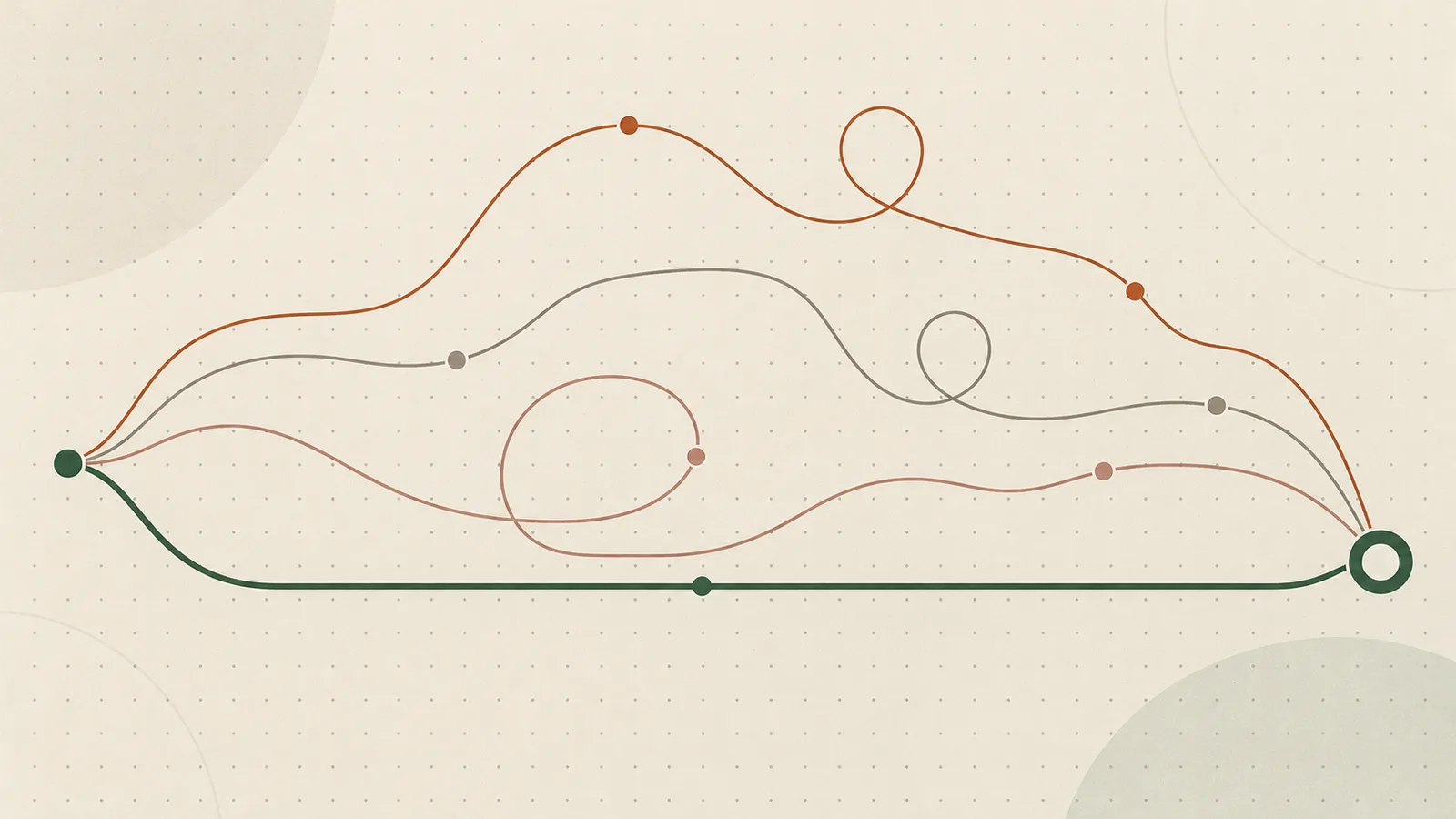
The SupplyChain object then carries the live path. Every node in the object contains the seller's domain (asi), the seller ID (sid), and the same DIRECT or INTERMEDIARY flag. A request that passes from you straight to an SSP has one node. A request that passes through two intermediaries carries three. The buyer reconstructs the exact chain and checks each node against the corresponding sellers.json.
Opaque nodes break the chain. When a sellers.json entry lists an intermediary with no name or no domain, the buyer cannot verify who profits from that hop. Most demand sources respond by discounting or rejecting requests whose chains contain opaque nodes. Some publishers accept this opacity from short-tail resellers, and the measurable result is lower CPMs on the inventory routed through them.
Under Google MCM, the structure becomes explicit. When we manage your AdX demand through Multiple Customer Management, your GAM account appears in our sellers.json as a DIRECT seller with your own child network ID, and the SupplyChain object in each request declares your account as the first node. Buyers can then trace every impression from your GAM account through our SSP to their seat, with no hidden hops.
Common file errors that cost you money
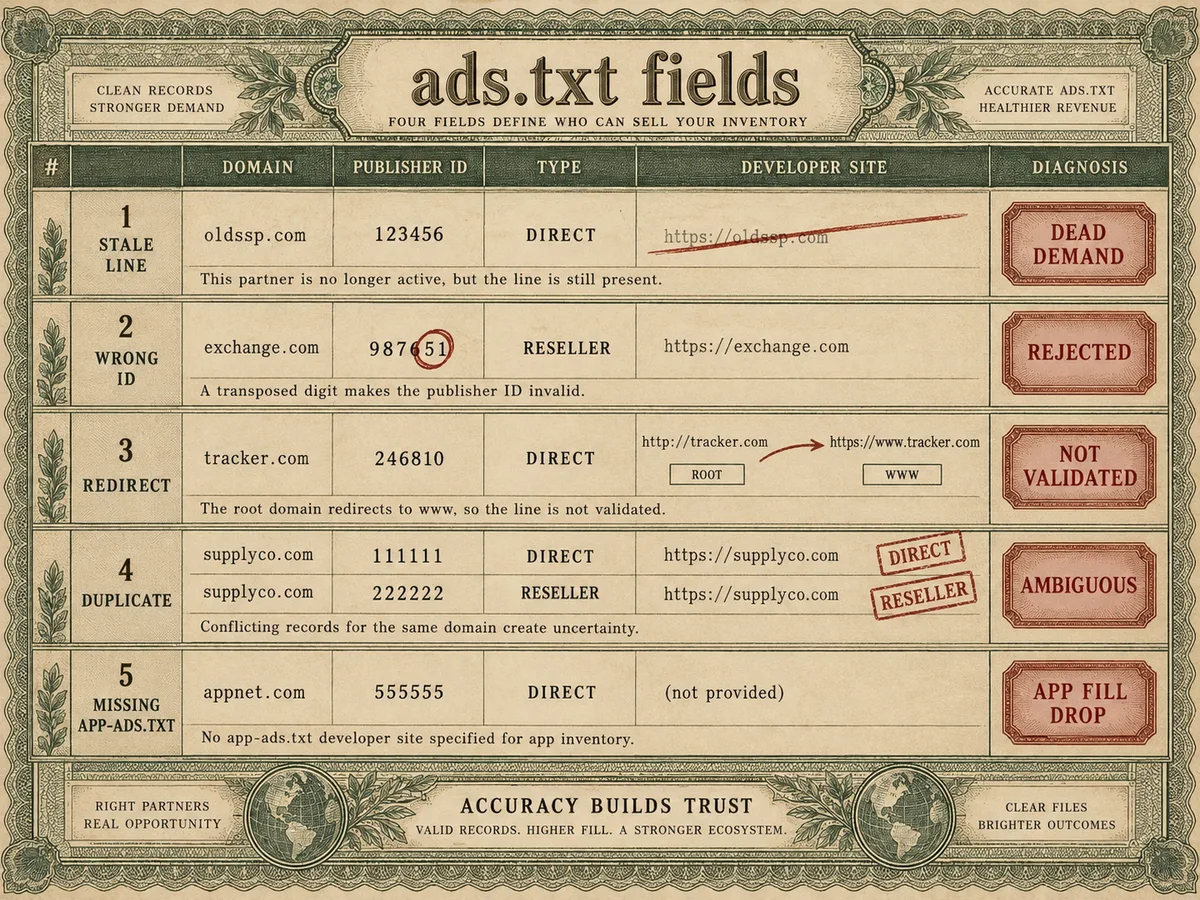
Most supply-chain problems we encounter in publisher audits come from a short list of repeated mistakes. Each one produces a specific symptom in your delivery reports.
Stale entries. You ended a partnership six months ago, but the line still sits in your ads.txt. The partner can still declare your inventory, and if that partner's quality slips, your domain absorbs the damage. The reverse costs you more: you added a demand source, forgot the line, and the seller's declarations fail authorization. Revenue from that source drops toward zero and nobody connects the two events for weeks.
Wrong publisher ID. One transposed digit in the account ID field turns a valid authorization into a mismatch. The file looks correct to a human reader, but crawlers reject the line. Always copy IDs directly from the partner's console, never from an email or a chat message.
Subdomain placement and redirects. The file must sit at the root of your domain, on the exact path /ads.txt. A file that only loads on the www variant, that redirects, or that lives on a subdomain does not validate. Check that both the bare domain and the www variant resolve to the same file with a 200 status.
Conflicting duplicates. Two lines for the same exchange domain with different IDs, or the same ID listed as both DIRECT and RESELLER, create ambiguity. Buyers resolve ambiguity by dropping the inventory.
Missing app-ads.txt for apps and CTV. The developer website in the store listing changed during a rebrand, the old domain still hosts the file, and the new one hosts nothing. Verifying app demand stops bidding, and the drop shows up as a fill rate decline with no obvious cause.
A sellers.json that contradicts the SupplyChain object. Your SSP lists you under one seller ID in its sellers.json but sends bids with another. Every request fails verification downstream. This is a partner-side error, and you only find it by auditing.
Missing certification ID. The fourth field is optional, but some demand sources weight it in their verification scoring. Leave it blank and you lose nothing illegal, just a small amount of buyer trust.
A monthly audit routine for your supply chain
Verification files decay because partnerships change faster than files do. A monthly audit takes under an hour and catches nearly every failure mode above before it costs you a billing cycle.
First, fetch your own files the way a crawler does. Request your ads.txt and app-ads.txt from an incognito session, confirm a 200 response, and confirm the content matches what you believe you published. Check the www variant and any regional subdomains you serve.
Second, reconcile every line against a live contract. For each entry, open the partner's console and confirm three things: the domain in the file matches the domain you log into, the publisher ID matches your account, and the relationship type matches reality. If a partner resells your inventory further down the chain, the file should reflect that structure, and the intermediate seller should list the relationship on its side too.
Third, pull each partner's sellers.json and find yourself. Search the file for your seller ID and confirm the entry shows DIRECT with your correct name and domain. If you cannot find yourself, or the type reads INTERMEDIARY when you sell directly, contact the partner. An incorrect entry there depresses your CPMs across all of that partner's demand.
Fourth, sample live bid requests for the SupplyChain object. If you run Prebid.js, inspect a few bid responses in the browser console and verify the schain object lists your account as the first node with the correct asi and sid values. For server-side demand, ask your SSP for a sample of the schain they attach to your requests.
Fifth, watch your GAM diagnostics. Google Ad Manager reports unauthorized seller warnings and ads.txt crawl errors in its inventory and delivery sections. A spike in either usually means a file changed somewhere, yours or a partner's.
Sixth, keep a change log. Record the date, the line changed, and the reason. When CPMs move, the log tells you which supply-chain change coincided with the shift. Publishers with large portfolios should batch this work per property group and rotate through the list, so no site goes more than a quarter without a full check.
How WireAds publishes transparent entries only
We treat the trust stack as a condition of doing business, not a compliance checkbox. Our sellers.json lists every account we sell for, with names, domains and correct DIRECT or INTERMEDIARY flags, and no opaque entries. The SupplyChain object we attach to every OpenRTB request declares the full path from your inventory through our SSP, so buyers can verify each hop without guessing.
The same principle governs our demand. We combine Prebid, OpenRTB, Google MCM, Google AdX demand and direct deals from global and local brand agencies into a single auction, and we filter that demand through strict brand safety and fraud filtering before it ever reaches your inventory. Premium buyers pay more when they can verify the supply chain, and verification only works when every seller in it publishes honestly. We hold our own entries to that standard and expect the same discipline from the publishers we work with.
On our side of the relationship, we operate CPM-based and pay Net 30, globally, across web, app and CTV/OTT, in every country where Google monetization is available. If you want a second pair of eyes on your setup, our support desk will audit your current ads.txt and sellers.json entries and tell you exactly which lines to fix, add or remove. Transparent entries only: we do not list resellers we cannot verify, and we ask our publishers to hold us to the same rule.