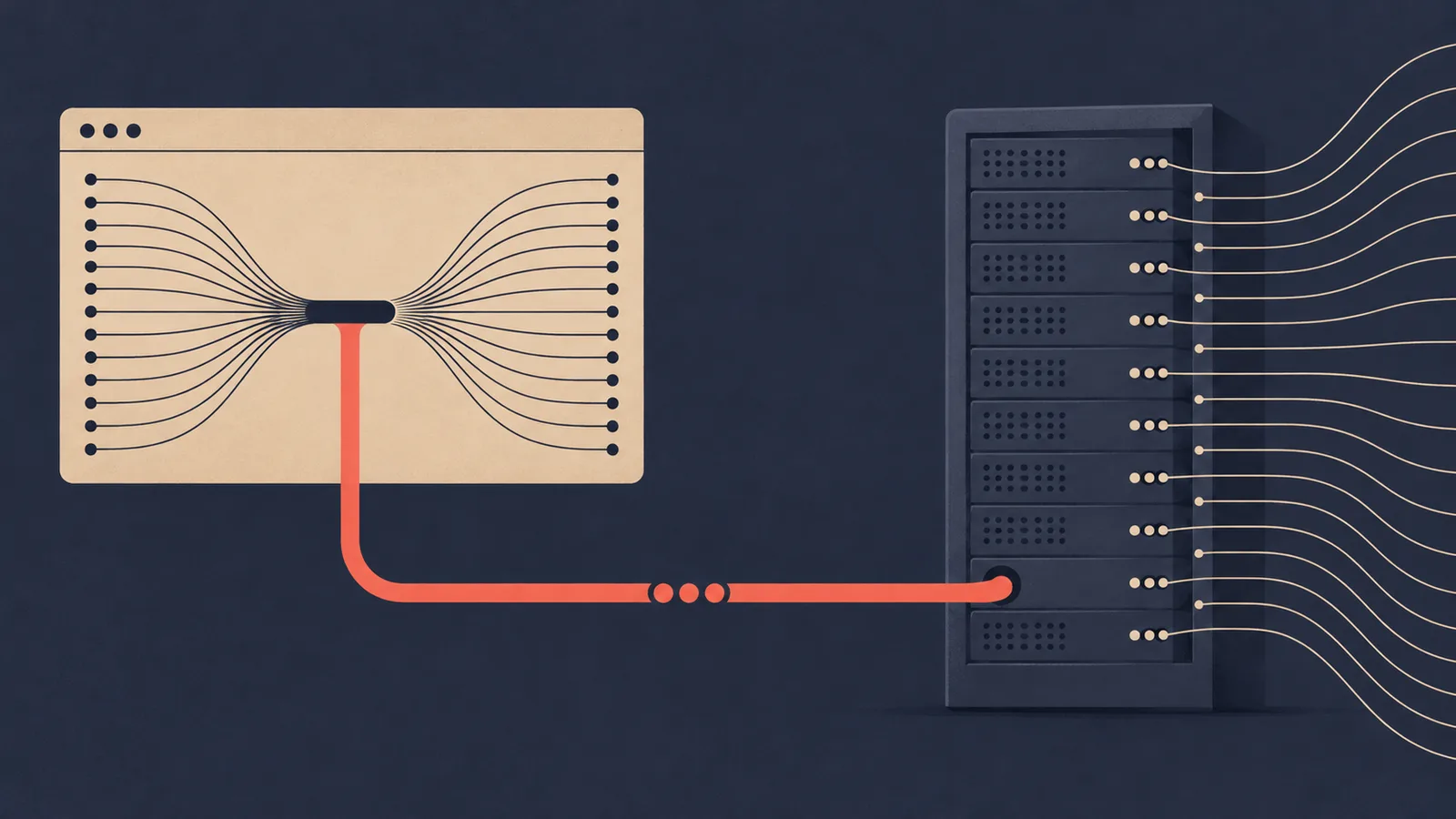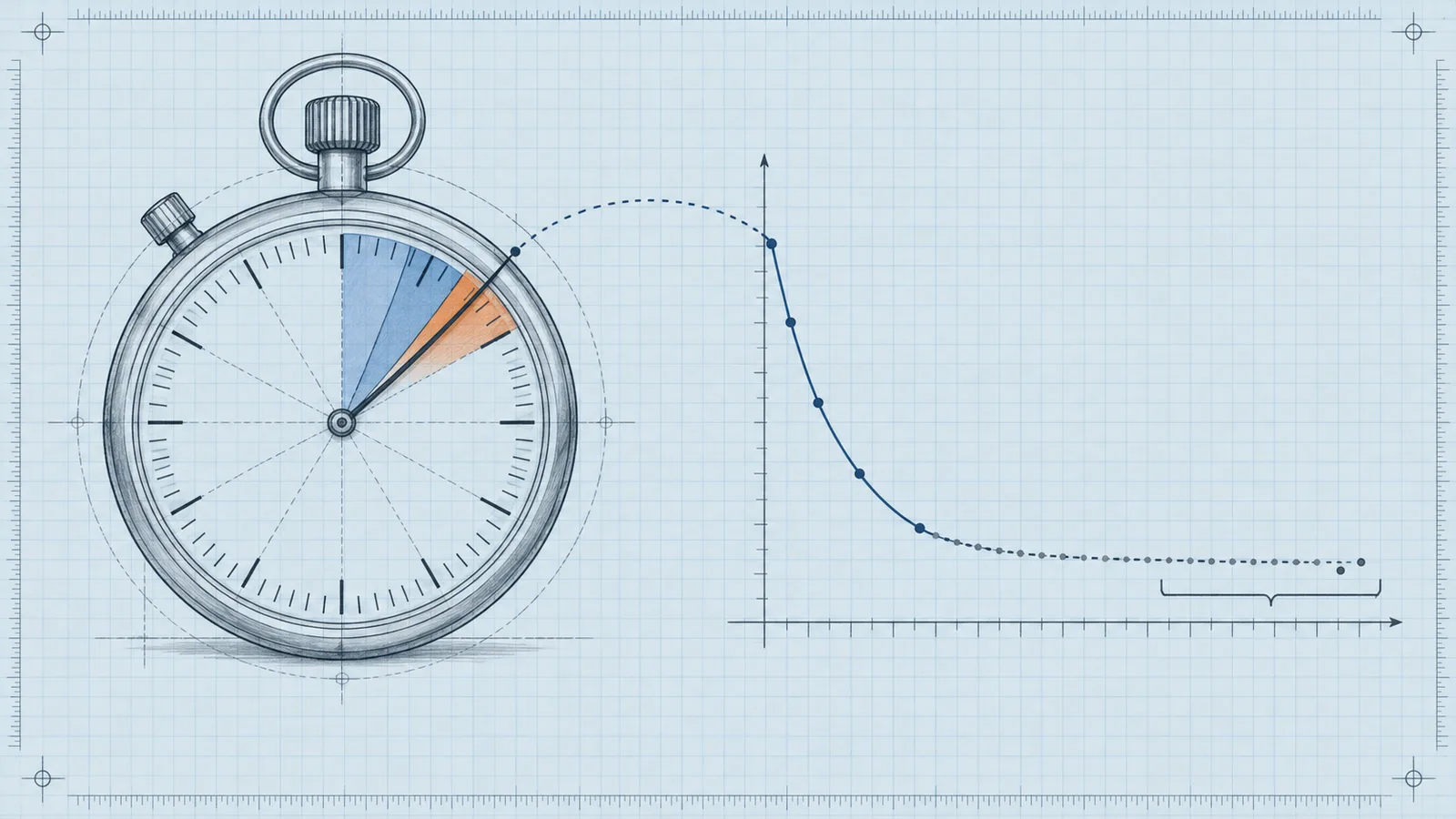

A publisher can lose 15 to 30 percent of potential header bidding revenue without a single line of code failing. The console stays clean, bids keep arriving, and the pages look fine. The loss hides in the gaps: bids that arrive too late to compete, line items that cannot fire, demand partners excluded by a broken consent chain. When we audit header bidding implementations across the publishers we work with, we find the same five mistakes over and over. None of them requires advanced engineering to fix. All of them require someone to look at the right diagnostic signal instead of assuming the wrapper works because it loads.
Mistake 1: Implementing Prebid before planning the ad server side
Symptom. The wrapper runs, bidders respond with healthy CPMs in the browser, but the ad server shows low fill on Prebid line items. Publishers sometimes see bidder CPMs of one to two dollars in analytics while the matched revenue per impression sits far below what those bids should produce.
Diagnosis. The team installed Prebid.js, wired up bidders, and only then opened Google Ad Manager to figure out where winning bids should land. This order of operations creates a structural mismatch. Prebid sends a bid into the ad server through key-values, and if the ad server has no line item targeting that price bucket and bidder, the bid dies. The money was already won in the auction and then thrown away at delivery time. The Prebid documentation tells teams to decide the ad server line item structure before you set up Prebid, and skipping that step is the single most common self-inflicted wound we see.
Fix. Rebuild the line item plan first, then align the wrapper configuration to it. That means deciding price granularity (for example, 24 to 50 cent buckets versus one dollar buckets for high-value inventory), confirming every bidder has matching line items or a shared order strategy, and verifying that the key-value targeting in GAM covers the exact values the wrapper passes. Then run a test page and confirm the ad server call contains the hb_pb key with a value that a live line item actually targets.
Prevention. Treat the ad server as part of the wrapper, not its downstream. Any time you add or remove a bidder, update the line item checklist in the same change ticket. We handle this as part of our Prebid setup service, because the ordering mistake is so easy to make and so expensive to discover months later.
Mistake 2: Wrong line item granularity and order structure
Symptom. Bids arrive, line items exist, but revenue concentrates in one or two price bands. In reporting, nearly every impression matches a line item at the bottom of the price scale regardless of what bidders actually bid, or the publisher sees a large number of unmatched hb_pb values in the ad server delivery report.
Diagnosis. The granularity setting in the wrapper disagrees with the line item targeting in the ad server. If the wrapper rounds a 1.47 dollar bid to a 1.00 dollar bucket but the ad server only carries line items at 1.50 and above, the impression falls through. The same failure appears when teams try to save effort by putting all bidders into a single shared set of line items without setting the correct key targeting per bidder, or when they underestimate how many orders they need. A typical integration needs at least one order per bidder, per the Prebid ad ops planning guide, and collapsing that structure breaks reporting and, in some ad server configurations, breaks targeting entirely.
Fix. Audit the mapping in both directions. Export the active line items and their key-value targeting, export the granularity configuration from the wrapper, and reconcile them line by line. Pick granularity that matches your bid distribution: wide buckets waste money on high-value inventory because a 4.20 dollar bid competes at the 4.00 level, while very fine buckets create hundreds of line items and management overhead. Most publishers we onboard do well with medium granularity between 0.10 and 0.50 dollars on standard display, and custom, wider bands on high-CPM placements.
Prevention. Keep the granularity setting under version control with the rest of the wrapper configuration. When you change it, generate the line item plan in the same release. Automate the line item creation through the ad server API if you manage more than a handful of bidders, since manual entry at scale always produces typos in key-value names.
Mistake 3: Timeouts set for the wrong bottleneck
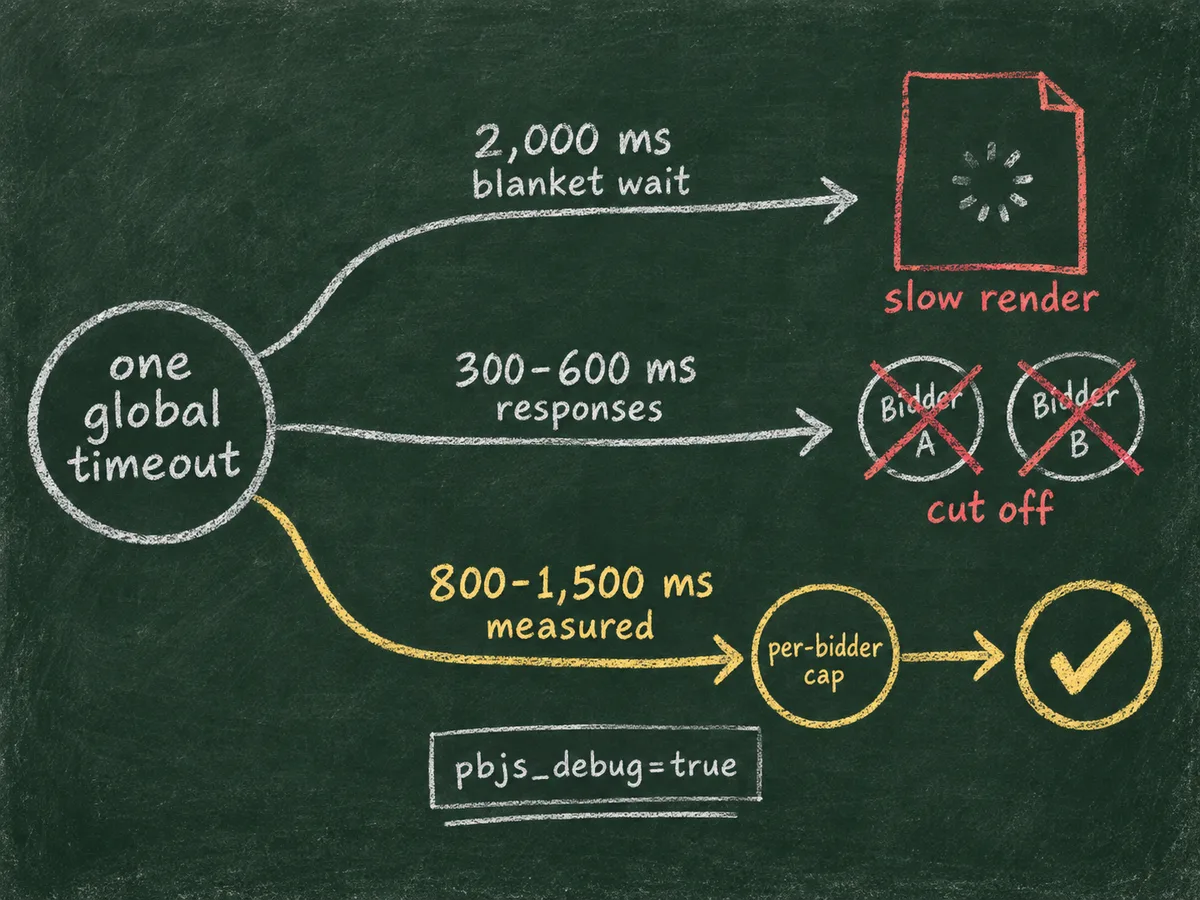
Symptom. Bid-level analytics show bidders responding in 300 to 600 milliseconds while the auction still cuts many of them off. Or the opposite: the wrapper waits 2,000 milliseconds for every impression, the page renders slowly, viewability drops, and total revenue falls even though the bid rates look strong.
Diagnosis. One global timeout cannot serve every slot and every connection. The mistake comes in two forms. First, teams copy a default timeout from a tutorial, apply it to a mobile audience on slow connections, and lose bidders that would have won. Second, teams set a generous timeout to capture every last bid, then ignore the page speed cost. Core Web Vitals degradation measurably lowers ad viewability, and low viewability lowers the CPMs buyers pay on subsequent auctions. The loss shows up in buyer-side quality scores long before anyone connects it to the timeout value.
Fix. Set timeouts from measured data, not defaults. Pull the median and 80th percentile bid response time per bidder and per geo from your wrapper analytics. Most setups perform best somewhere between 800 and 1,500 milliseconds for desktop and lower for mobile, but your own distribution decides. Configure per-slot and per-bidder timeouts where the code allows it, and enable the lazy loading configuration so below-the-fold slots do not stall first paint. To verify what actually happens on a real page, load it with the query string that enables console debug logging, pbjs_debug=true, which the official Prebid troubleshooting guide documents. The debug output shows exactly which bidders timed out on which auctions.
Prevention. Revisit the timeout quarterly and whenever you add a bidder, because every new bidder changes the response time distribution. Monitor the timeout rate per bidder as a standing KPI alongside bid rate and win rate, and alert on drift. If a bidder times out on most impressions, remove it rather than stretching the timeout for everyone else.
Mistake 4: Running every bidder on every impression
Symptom. The bidder list has grown to 15 or 20 adapters, page load has slowed, and CPMs have not improved. Bid-level data shows that several bidders almost never win, and the bidders that do win show declining match rates over the quarter.
Diagnosis. Adapter bloat. Each additional bidder adds browser-side requests, latency, and auction noise. Beyond a certain point, the marginal bidder adds more page weight than revenue. Worse, low-intent bidders flood the auction with cheap bids that occasionally win at the floor, which drags down the average. Buyers also observe slow, cluttered auction environments and discount them. The publisher sees flat revenue, blames the market, and keeps adding bidders, which deepens the problem.
Fix. Rank bidders by net contribution: matched revenue minus the latency and infrastructure cost each one adds. Remove adapters that do not clear the bar over a rolling 30-day window. Segment demand by context instead of loading everything everywhere. A bidder with strong US video demand should run on video slots for US traffic, not on every display impression in every geo. If you operate at scale, move part of the auction server-side through Prebid Server so browser-side requests stay lean while you still access a wider set of demand partners.
Prevention. Cap the number of browser-side adapters and treat any addition to that list as a hypothesis to test, with a removal criterion defined in advance. Track a per-bidder scorecard monthly: bid rate, win rate, net CPM contribution, and median response time. When a bidder slips below the floor for two consecutive months, cut it.
Mistake 5: Broken consent and supply chain signals
Symptom. Revenue from European traffic drops sharply and never recovers after a consent management platform goes live. Or a specific demand source stops buying despite unchanged inventory quality. Some publishers see Personalized Ads restrictions in GAM reporting without knowing why.
Diagnosis. The auction breaks at the trust layer. Buyers refuse to bid without valid consent signals, and exchanges refuse to pass traffic without a verifiable supply path. Common root causes: the consent management platform is not registered under the IAB Europe TCF framework, so the wrapper never receives a valid TCF consent string; the wrapper ignores Global Privacy Control signals where applicable; the ads.txt file lists a partner incorrectly or omits it, so buyers cannot verify the reseller path; the sellers.json file is missing, malformed, or lacks a valid entry for the node the inventory passes through. Any one of these silently disqualifies inventory from demand that was bidding a day earlier.
Fix. Test the full chain end to end. Load a European page with the debug console enabled and confirm the wrapper receives and passes a valid TCF string to every bidder. Validate your ads.txt against the partners you actually sell through, and confirm your supply-side partners publish a matching, current sellers.json with a valid SupplyChain object on bid requests. If you connect through an SSP like ours, we hold MCM and Google AdX demand through properly documented supply paths, and we can tell you exactly what your chain should look like, because a broken entry on our side costs us revenue too. Send your chain configuration to WireAds support and we will verify the full path from buyer to page, including consent handling across the TCF and Global Privacy Control signals your traffic sends.
Prevention. Treat consent and supply chain files as production systems, not static documents. Put a monitoring check on the ads.txt and sellers.json URLs that alerts on HTTP errors or parse failures. Re-test the consent flow after every CMP update, since CMP vendors ship breaking changes regularly. Audit the SupplyChain object monthly to make sure every new demand path got documented before it started carrying traffic.
The common thread and how to check for all five at once
Every mistake above shares one property: it fails silently. The wrapper loads, ads render, and the losses show up only as revenue that came in lower than it should have. You cannot diagnose any of them from the ad server alone, because the ad server only sees the bids that survived the earlier stages.
Run a quarterly audit with three artifacts in front of you: wrapper analytics with per-bidder response times, an ad server delivery report with matched versus unmatched hb_pb values, and a list of your consent and supply chain files checked for validity. Cross-referencing those three surfaces every one of the five mistakes. Where the audit finds a gap, fix the root cause in the order described: ad server structure first, granularity second, timeouts third, bidder list fourth, consent and chain last. That sequence matters, because each layer depends on the one before it, and fixing timeouts on top of a broken line item structure just optimizes a broken pipeline.
If you want the audit done with demand already attached, that is the configuration we run for publishers: a tuned Prebid setup connected to premium exchange demand, Google MCM and AdX access, direct deals from brand agencies, and strict filtering of low-quality ads, all settled on Net 30 terms. The mechanics described in this article are the same ones we apply to every property we onboard, and the difference between a correct setup and a neglected one is typically worth more than any new bidder you could add this quarter.